Model Context Protocol
Ask your data in plain language.
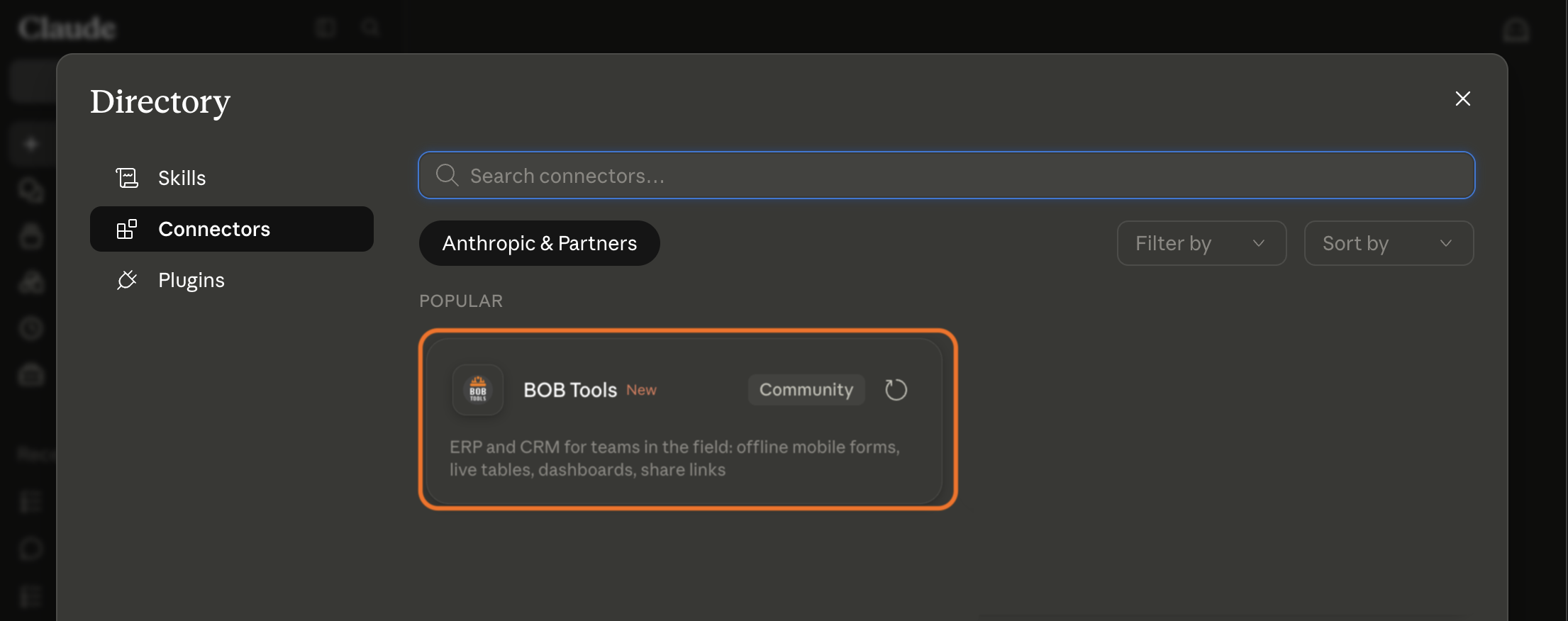
One click: open BoB Tools in the Claude connectors directory, hit Connect — and ask things like “how many orders came in last week, by status?” right in the chat.
For teams in the field
Offline mobile forms, live tables, dashboards, share links. Your crew fills in forms from their phones — with or without internet — and the office watches the numbers land in real time.
Model Context Protocol
One click: open BoB Tools in the Claude connectors directory, hit Connect — and ask things like “how many orders came in last week, by status?” right in the chat.
How it works
One record makes the whole trip: captured on a phone, landing in a table, answered as a chart.
01 · Capture
Build a form in minutes, hand it to the crew. It works in a basement, at sea, on a roof — no signal required. Photos, signatures, QR scans and AI field extraction included.
02 · See
Records land in filterable tables the moment they sync. Group, sort, hide columns, save views per team — and export to Excel when someone insists.
03 · Share
Publish a public share link for a client or a contractor — a form, a portal, a live dashboard. They see exactly what you allow, nothing else. No accounts needed on their side.
Pricing
One plan, no subscription. Start on the free grant; when you grow past it, the difference is billed from your balance — day by day, only for what you actually used.
25 free · then $1 / mo each
500 free · then $1 / mo per extra 1,000
100 MB free · then $0.60 / GB / mo
1 free · then $1 / mo per seat
~1M tokens free every day — OCR & assistant, resets daily · heavier days from balance, at request cost
250 free every day — resets at 00:00 UTC · then $1 per 10,000 calls · unlimited on BoB Pro & Max
Your estimate
$0.00 / day
or $0 / month — from your balance
Free · covers all of it
Paid · nothing
Charged daily as 1/30 of the monthly rate, only on days you're over the free grant. Share links, dashboards, REST API and bots are free. MCP calls past the free 250 a day come off your balance and pause only when it's empty; push notifications sent through the connector are free and never count.
Need bigger AI days? A BoB Pro or Max subscription raises the daily AI allowance to 3× or 20× — and makes MCP calls unlimited, at no extra charge.
FAQ
Yes. Your crew fills in forms on the phone with no signal — in a basement, at sea, on a roof. Each record is saved on the device and syncs to the live table as soon as the phone is back online.
Yes. Google documents no offline mode for Forms: its offline help covers Docs, Sheets and Slides only. BoB Tools forms work offline in the Android and iOS apps, take photos, signatures and QR scans, and land every submission in a live table with filters, views and dashboards.
Yes. Publish a share link for a form, a client portal or a live dashboard. People outside your company open it in a browser with no login, and share links are free.
Add photo, signature and timestamp fields to the form. The crew captures before-and-after photos and the customer signs on the phone — every record lands in the table with the date, so there is nothing to argue about later.
No. Describe your process to the built-in AI assistant or start from a free template, and you get a mobile form for the crew and a live table for the office the same afternoon.
No subscription required. The free grant covers 25 forms, 500 records, 100 MB and one team seat. Past it you pay day by day from your balance: $1 a month per extra form, per extra 1,000 records or per extra team seat.
Yes. Open https://claude.ai/directory/bob-tools and hit Connect — one click (or add https://api.bob.tools/mcp as a custom connector) — and ask things like “how many orders came in last week, by status?”. 250 MCP calls a day are free.