BoB Tools Connector for Claude
Last Updated: August 8, 2026
The BoB Tools connector lets Claude work directly with your BoB Tools workspace: query and aggregate your records, build and restructure forms, manage documents and share links — using natural language. It is a remote MCP (Model Context Protocol) server hosted by us:
https://api.bob.tools/mcpHow to connect
You need a BoB Tools account — sign up free at web.bob.tools or install the Android / iOS app.
In Claude (web, desktop, or mobile):
- Open the Directory → Connectors and search for BoB Tools, then hit Connect:
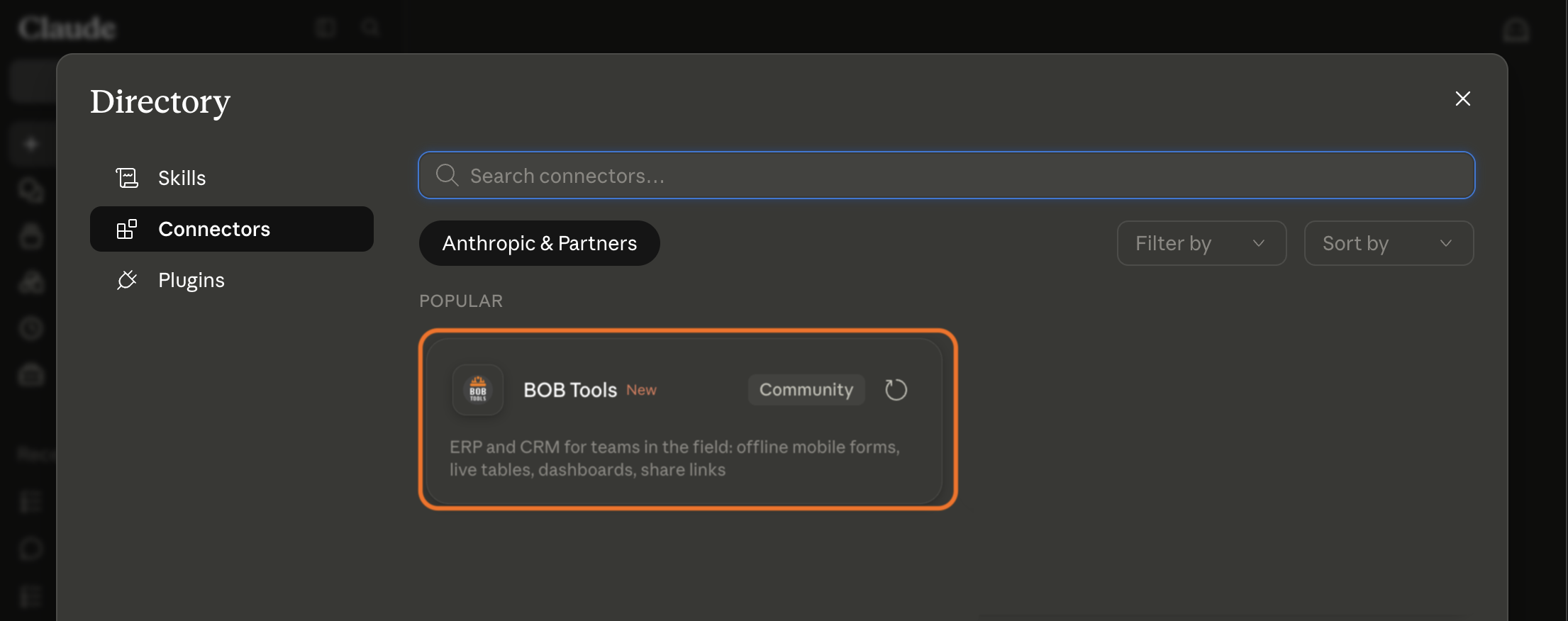
- Claude redirects you to BoB Tools to sign in and authorize access (OAuth 2.0). No API keys to copy — you approve access with your own account.
- Back in a chat, enable the connector and ask Claude something like "List my BoB companies and files".
Not in the directory on your plan? Open Settings → Connectors, choose Add custom connector and enter the server URL https://api.bob.tools/mcp.
The same URL works in any MCP-compatible client that supports remote servers with OAuth — for example Claude Code (claude mcp add --transport http bob-tools https://api.bob.tools/mcp).
What you can do
- Reports and analytics: "How many orders came in this week, grouped by status?" — Claude queries and aggregates your records.
- Build structure: create a form with fields, configure views, set up a public share link — all from a conversation.
- Documents: assemble block-based documents and dashboards from your live data.
- Bulk work: mass updates and record clean-ups.
Available tools
The connector exposes a compact set of tools, one per area of the product. Claude picks the right tool and action for your request; write and delete operations always go through Claude's confirmation flow.
| bob_get_account | Your account, companies and files (read-only) — the usual starting point. |
|---|---|
| bob_records | Query, aggregate, create, update and delete records; record history. |
| bob_files | Manage files and folders: forms, tables, structure. |
| bob_fields | Manage table fields: types, options, AI-extraction settings. |
| bob_views | Manage data views: filters, sorting, grouping, charts. |
| bob_shares | Manage public share links for forms and data. |
| bob_docs | Manage block-based documents and dashboards. |
| bob_images | View and upload the images attached to records. |
| bob_company | Companies and member invites. |
Data access and privacy
- You authenticate with your own BoB Tools account via OAuth 2.0. Claude sees exactly the companies and files your account can access — nothing more.
- Data is transferred only when Claude calls a tool on your request, over HTTPS.
- We do not use the content passed through the connector to train AI models.
- You can disconnect at any time: remove the connector in Claude's Settings → Connectors, which revokes its access.
- How we collect, store, and protect data is described in our Privacy Policy.
Support
Questions or issues with the connector? Contact us at support@bob.tools.