Done-for-you setup
Tell us how your team works. We configure the app. Your crew installs it.
We set up one workflow of your team in BoB Tools: entry screens with your fields, a table with status for the office and a dashboard. It works offline on Android and iPhone, in your own account.
$290 per workflow, one-off · then $1 per seat a month, first seat free
What's included
Everything your team needs to stop using paper or a shared spreadsheet for one job.
Text, numbers, choices, dates, photos and a signature. Only the fields your crew actually fills in.
Every record lands in a live table for the office, with filters and a status like New → In progress → Done.
Counters and charts: jobs today, open issues, totals by site or by person.
Opens from a link or a QR code, installs on Android and iPhone, works offline. You choose who can open it.
We walk you through the app, show how to add people and how to change a field yourself.
Try it with the crew, send us what to change, and we adjust it. Twice.
How it goes
Three working days from the moment we agree what the app should do.
01 · Agree the workflow
Email us what your team records today: a photo of the paper sheet, a spreadsheet or a list of fields. We reply with a short plan of the screens, table and dashboard. The 3 days start when you agree it.
02 · Set up the app
We set up the entry screens, the table, the dashboard and the install link in your own BoB Tools account, so everything is yours from day one.
03 · Adjust and hand over
On a 30-minute call we hand the app over. Your crew tries it, you send changes, and we make two rounds of adjustments.
Examples
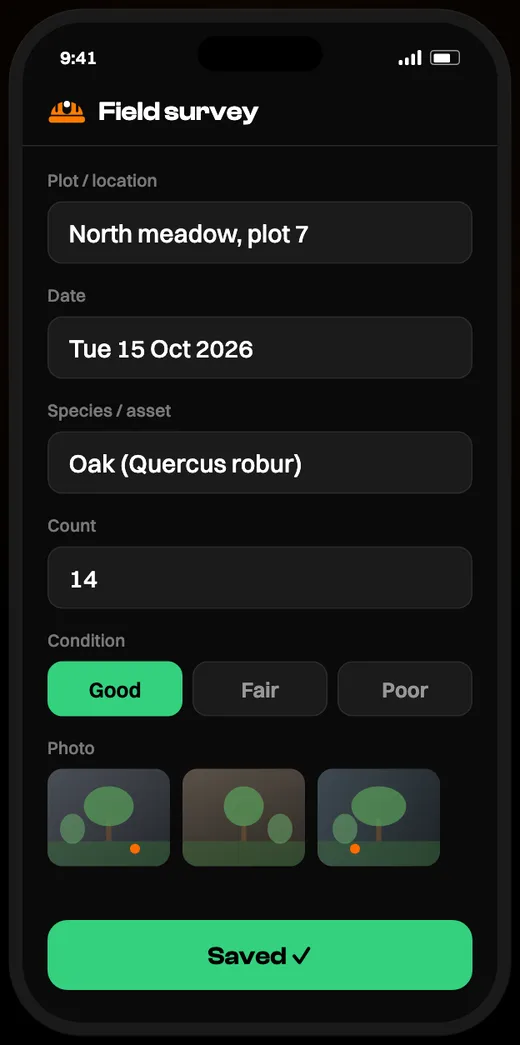
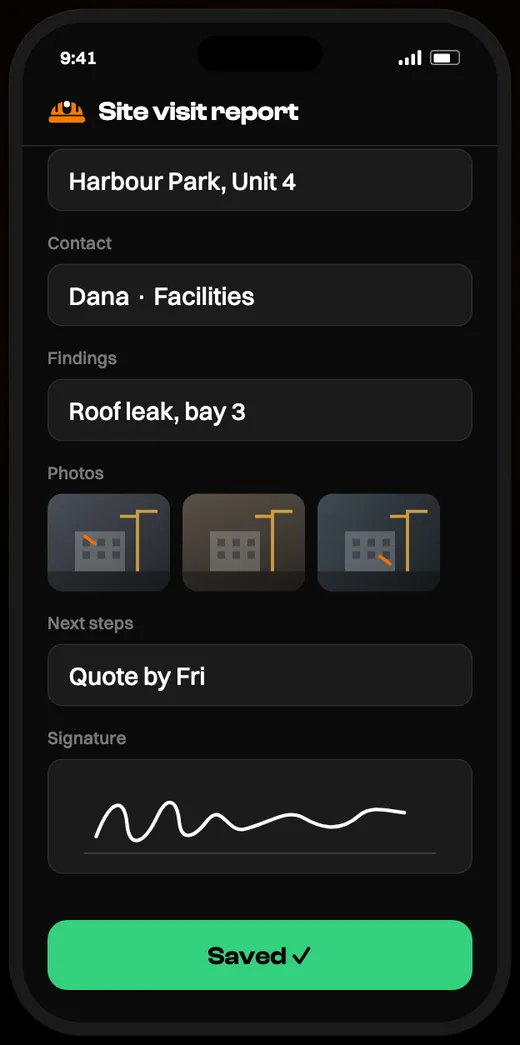
Site visits, surveys, meter readings: the crew adds a record on the phone, with photos, even without signal.
See the use case →
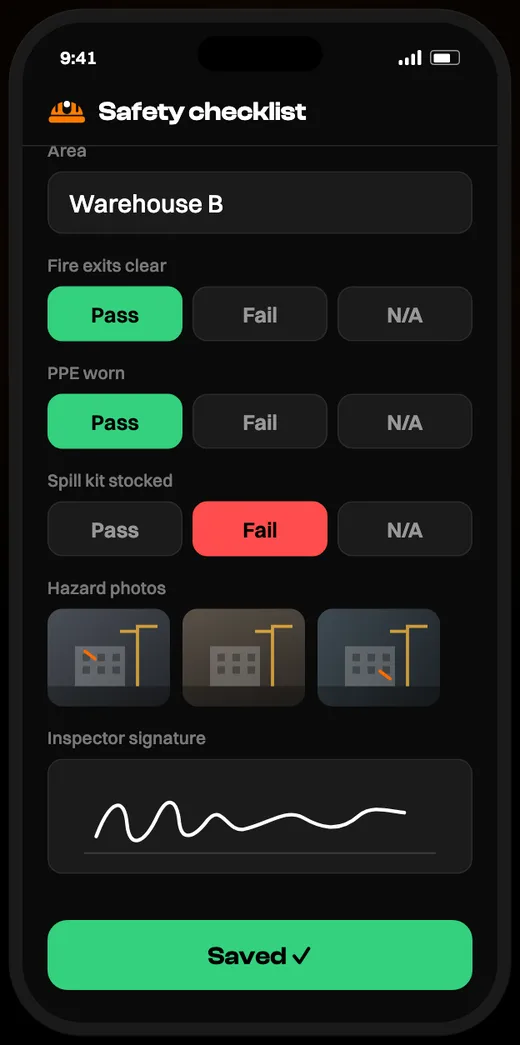
Safety, vehicle or equipment checks with pass/fail items, photos of defects and a signature. Failed checks stand out in the table.
See the use case →
Jobs move New → In progress → Done. The technician closes a job with notes, photos and the client's signature.
See how apps work →
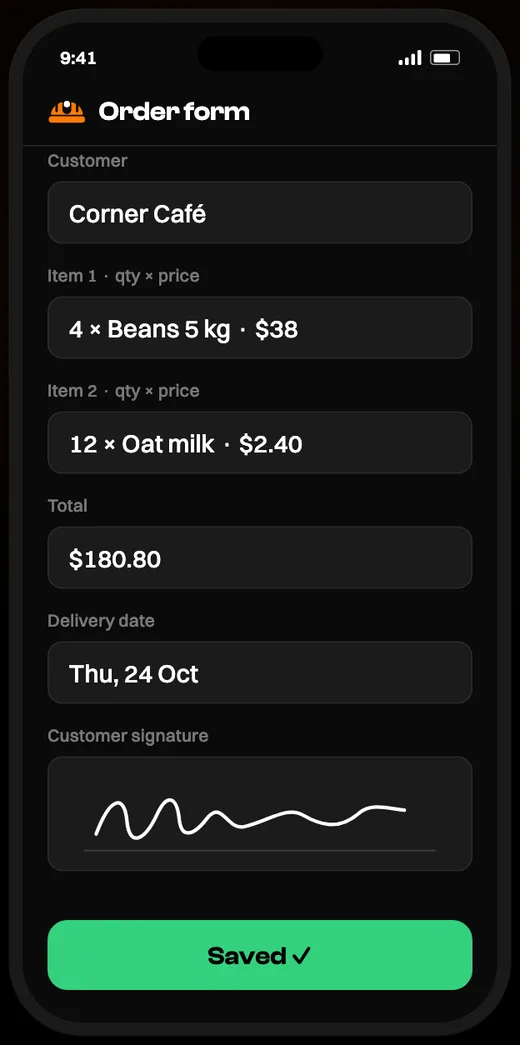
Replace the shared spreadsheet: orders, stock counts or deliveries go into one table with a status, and the dashboard shows the day's totals.
See how apps work →What it is not
This is configuration of a ready platform, not custom software. These are not part of the setup:
Who owns what. This is configuration of BoB Tools in your own account. You own your data and configuration; the platform stays BoB Tools under its standard pay-as-you-go pricing.
FAQ
A short email: what your team records today and how many people will use the app. A photo of the paper sheet, a spreadsheet or a list of fields is enough. We reply with a one-page plan of the screens, table and dashboard. The 3 working days start once you agree it.
The setup is a one-off $290 for one workflow. After that you pay BoB Tools' usual pay-as-you-go prices from your balance: the first team seat is free, then $1 per seat a month. A crew of 10 costs $9 a month in seats.
Two rounds of changes are included before hand-over. After that you can edit the screens, table and dashboard yourself in BoB Tools, ask the built-in AI assistant, or email us for another setup.
No. The app opens from a link or a QR code and can be added to the home screen of an Android phone or an iPhone, with its own name and icon. If someone already has the BoB Tools app, it opens there. It works offline and syncs when the signal is back.
You do. The app is configured in your own BoB Tools account, so the records, photos and setup belong to you. The platform underneath stays BoB Tools.
$290 for one workflow, set up in 3 working days after we agree the task. Or start on your own for free.